How EnergyCam decides a room is really empty
6 min read
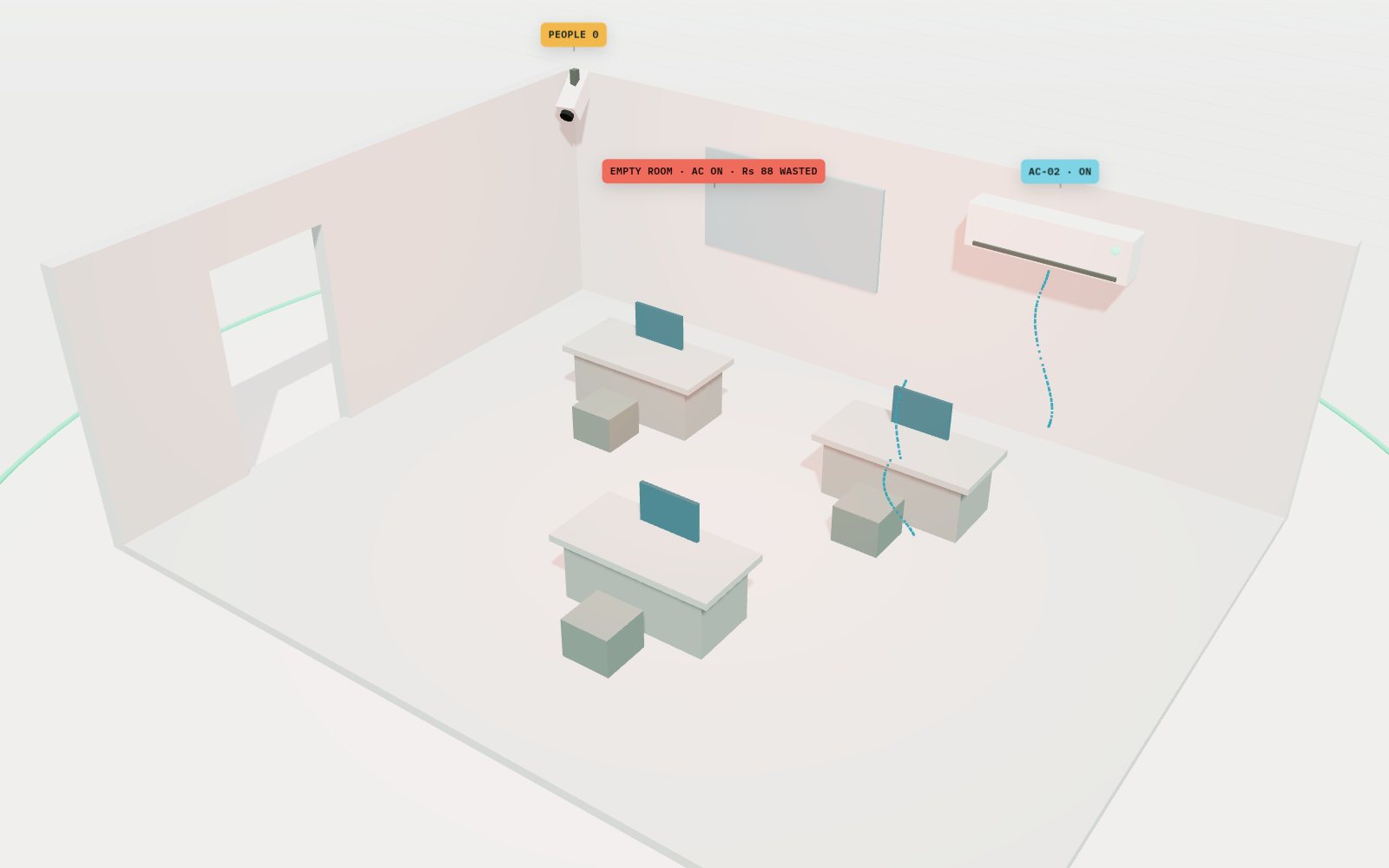
EnergyCam has one job: notice when a room is empty but an AC is still running, and tell someone. That sounds simple. Doing it without false alarms is the interesting part.
1. Read the camera you already have
EnergyCam connects to the room’s IP camera over RTSP, the same stream your CCTV recorder uses. If the stream drops, it releases the connection, waits two seconds and reconnects by itself, so a flaky camera never needs a person to restart the system.
2. Count people, check the ACs
Every frame goes through YOLOv8, a fast object-detection model. We only ask it about two things: people and phones. The number of people tells us if the room is occupied. Separately, a small check looks at each AC unit in view, left and right, and decides whether it is on.
3. Don’t trust a single frame
One frame can lie. Someone bends behind a desk, a reflection hits the lens, a frame arrives corrupted. So EnergyCam keeps the last four readings for each signal and takes a vote: a room only counts as occupied, or an AC as on, if at least half of the recent frames agree. Corrupted frames are skipped entirely.
4. One alert, then a “resolved” email
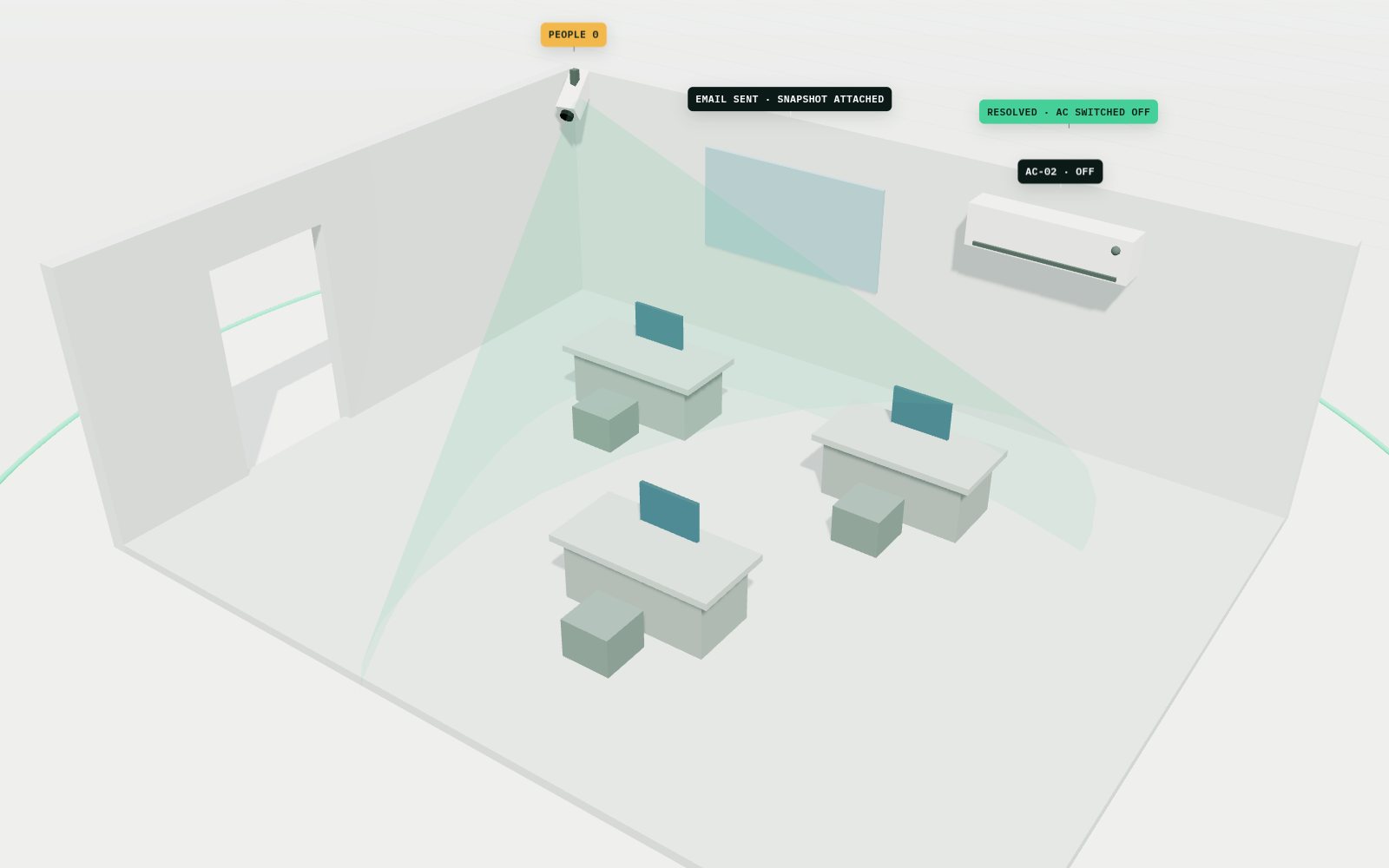
When the rule fires, EnergyCam picks the clearest recent frame (it skips near-blank ones) and emails it to the facilities team with the room name and which AC is on. It sends one alert per event, not one every few seconds.
When someone walks back in, or the AC is switched off, and that holds for 3 seconds, a second email says the alert is resolved and how many minutes the waste lasted.
5. Log everything, show the rupees
Every 30 seconds EnergyCam writes a row to a PostgreSQL database: room status, each AC’s status, the number of people and phones, and whether an alert went out. Every 30 minutes it writes a heartbeat, so we can see the system itself is alive.
A live dashboard reads those rows. Each room gets a card with a running waste timer and a cost ticker in rupees, plus month-on-month waste cost and the CO2 impact.
What’s next
We are running EnergyCam on more rooms and will share real numbers here as they come in. If you want it on your cameras, message us on WhatsApp.