CCTV that catches ACs running in empty rooms.
EnergyCam turns the cameras you already have into an energy watchdog. It counts people, checks every AC in view, and alerts your team the moment cooling runs in an empty room.
- Alert 10 seconds after a room empties
- No new sensors or hardware
- Waste shown in rupees, live
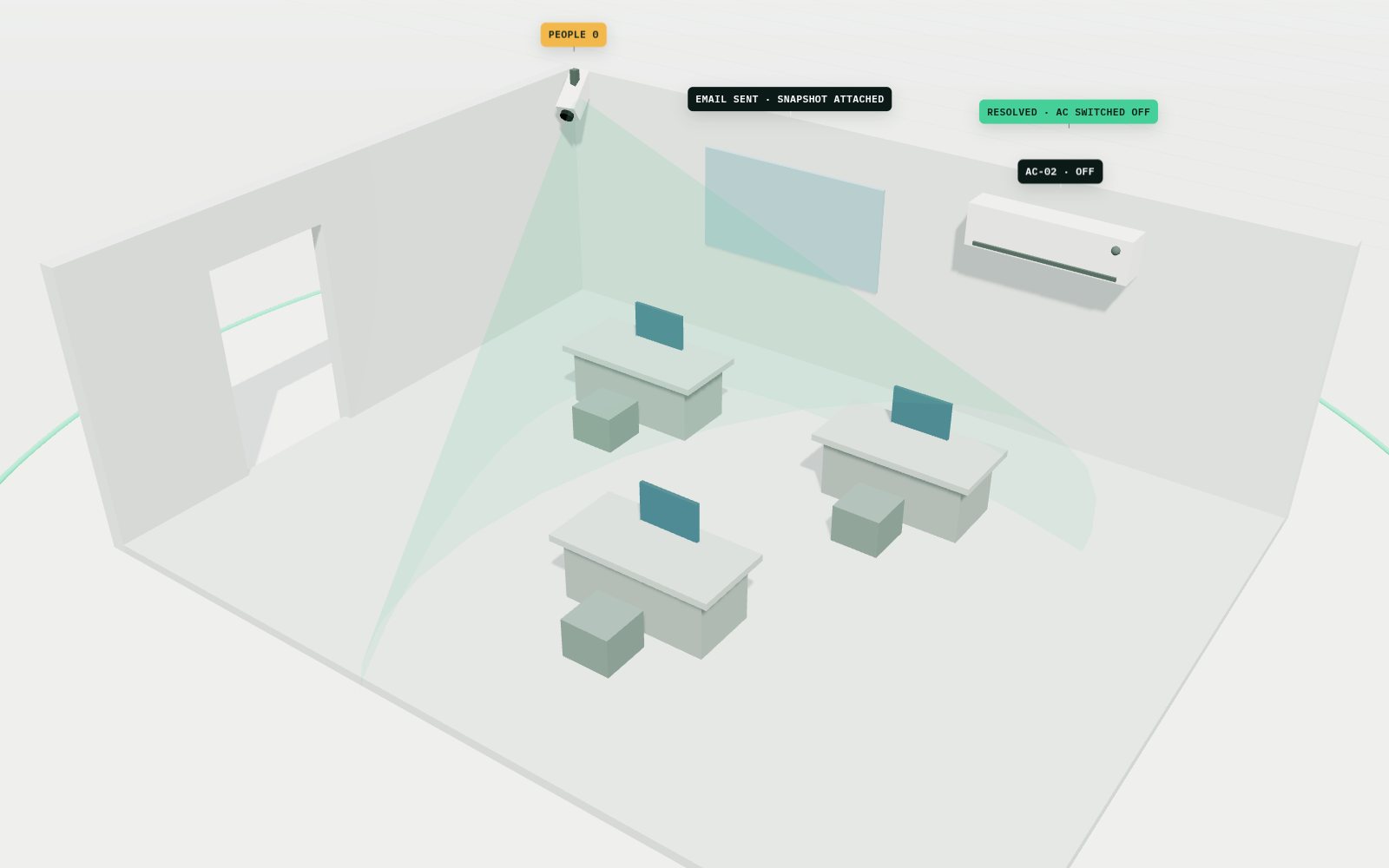
People leave. The AC stays on. Your CCTV catches it in seconds.
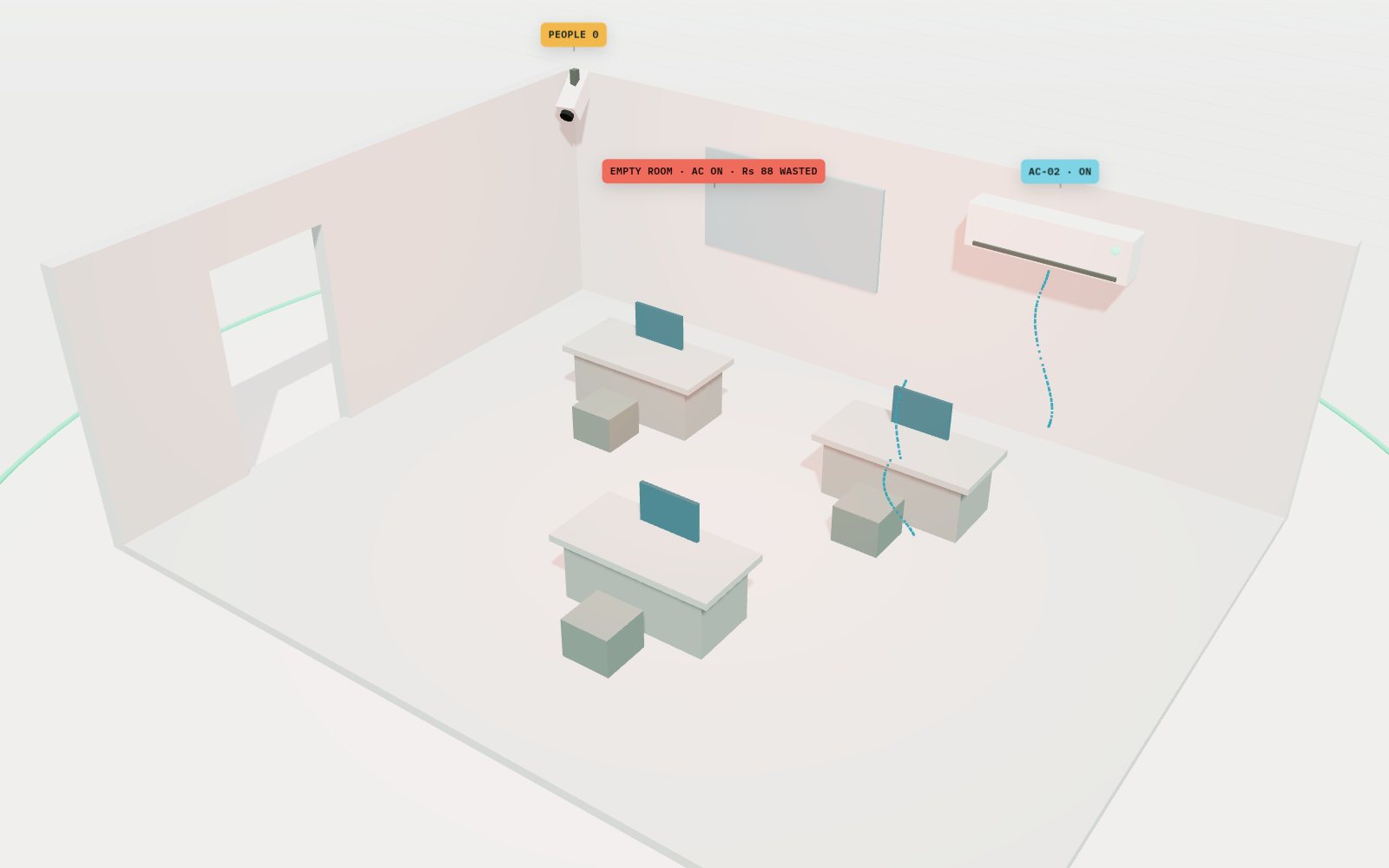
People leave. The AC stays on.
Rooms empty out at 6 pm and the cooling keeps running for hours. Nobody sees it until the bill arrives.
Your CCTV catches it in seconds.
EnergyCam sees the empty room, emails your team a snapshot, and logs the moment the AC goes off.
Four steps, start to finish.
Connect your cameras
We read the RTSP stream from your existing IP cameras. No new sensors.
Detect people and ACs
YOLOv8 counts people every frame and checks whether each AC is on.
Confirm, then alert
Readings are smoothed over several frames. After 10 seconds of an empty room with an AC on, your team gets an email with a snapshot.
Log and report
Every event is logged. A live dashboard shows the waste in rupees, month on month.
Built for facility teams, not data scientists.
People counting
Knows whether a room is occupied, frame by frame.
AC status per unit
Tracks two or more ACs in the same room separately.
Snapshot alerts
An email with the camera frame attached, so your team sees the room.
Auto-resolve
A second email confirms when someone returns or the AC goes off, and how long the waste lasted.
Cost in rupees
A live cost ticker per room and a month-on-month comparison.
Self-healing stream
Reconnects to the camera by itself and logs a heartbeat every 30 minutes.
Start with a pilot on one floor.
We connect EnergyCam to a few of your cameras, send alerts to your team and share the dashboard. You see real results before you roll it out.
Every building is different. We scope each project after a short site walk and send you a clear quote.
Ask for a quoteQuestions about computer vision.
Do we need new cameras?
No. EnergyCam works with the stream from IP cameras you already have, as long as the AC is in view.
Does it identify people?
No. It counts people in a room. It doesn't recognise who they are. Alert emails include one snapshot so your team can see the room.
What about false alarms?
Readings are smoothed over several frames, and the room has to stay empty for 10 seconds before an alert goes out.
Where does it run?
On a computer on your site that can see the camera stream. Your team opens the dashboard in a browser.
Works well with
All servicesTalk to us about computer vision.
We connect EnergyCam to a few of your cameras, send alerts to your team and share the dashboard. You see real results before you roll it out.